

7% from US$393+, 10% from US$656+

(5% of your purchase) Spend on next order

Shipping & Billing
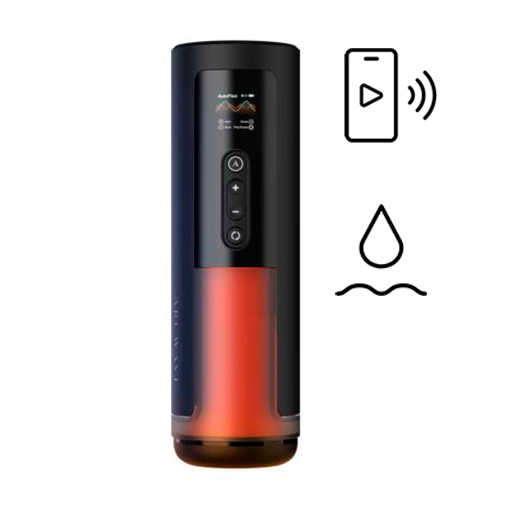
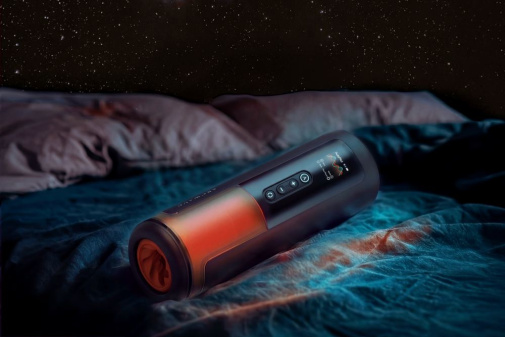
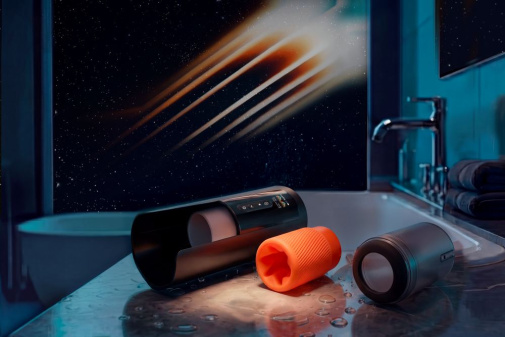
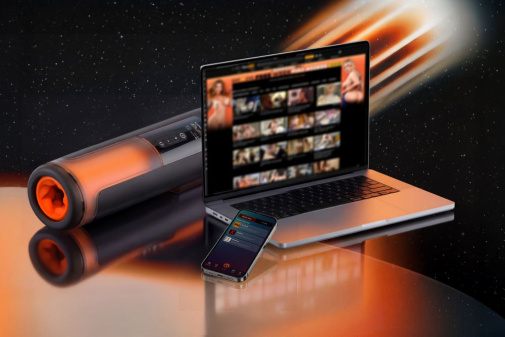
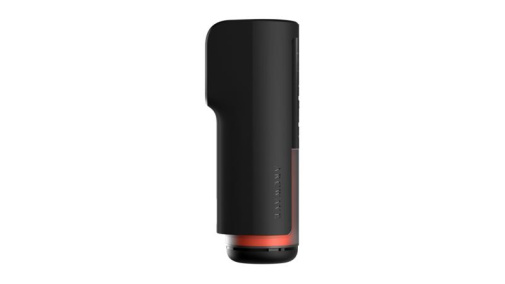
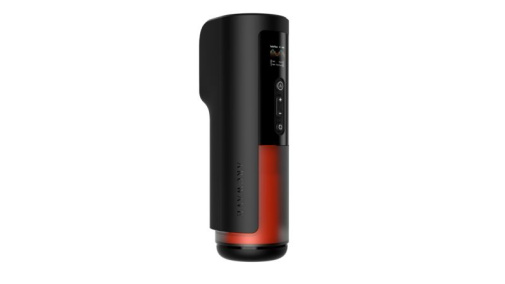
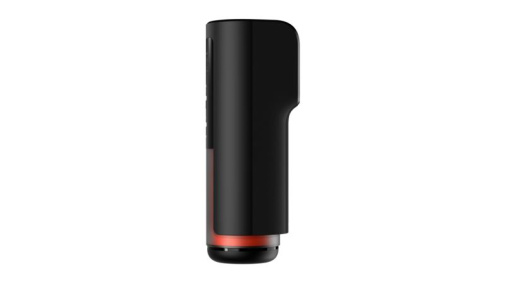
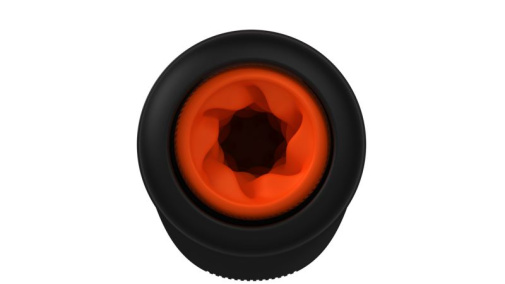
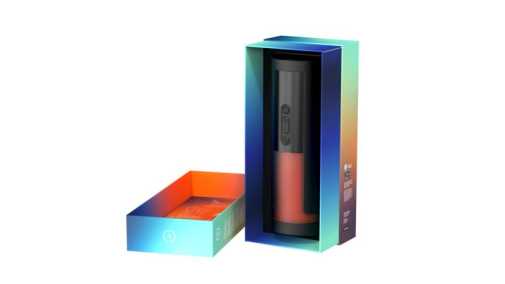
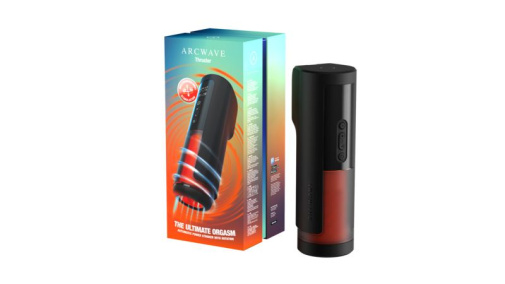
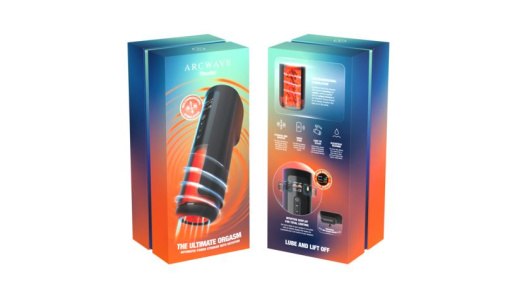


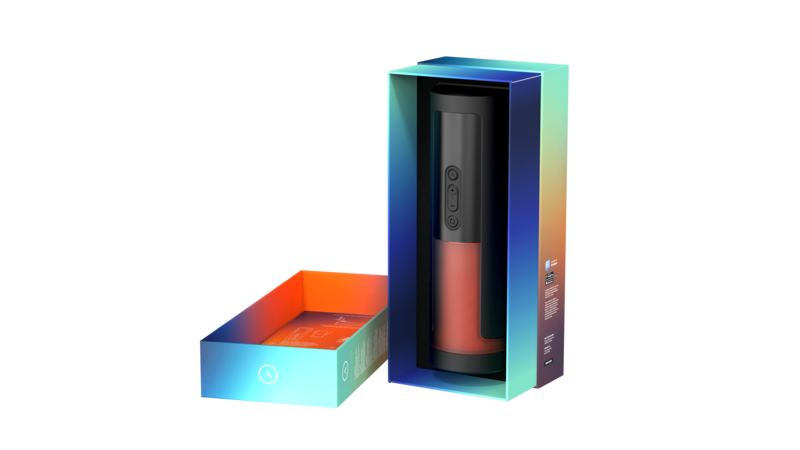
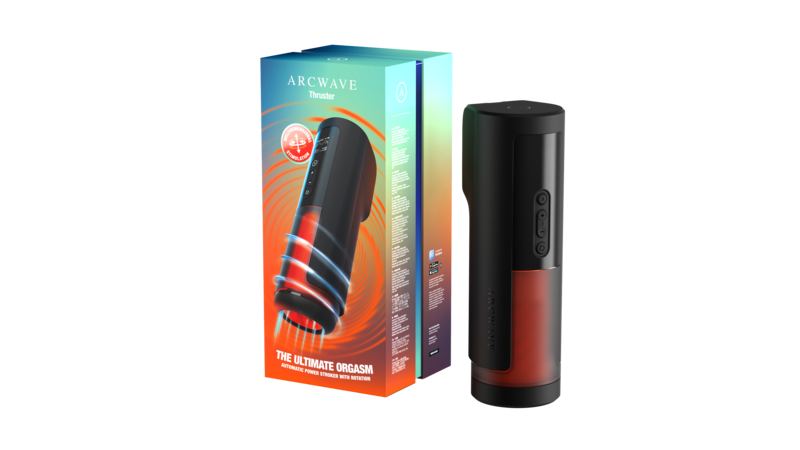
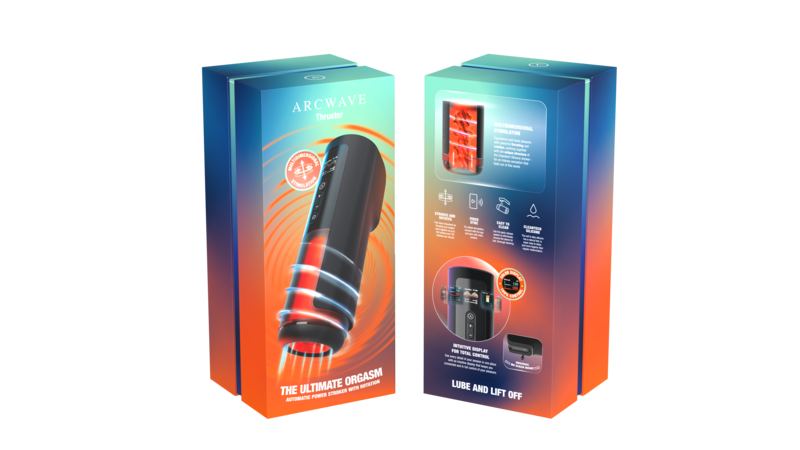
Arcwave Thruster Rotation Stroker - Black Product code 4251460634311
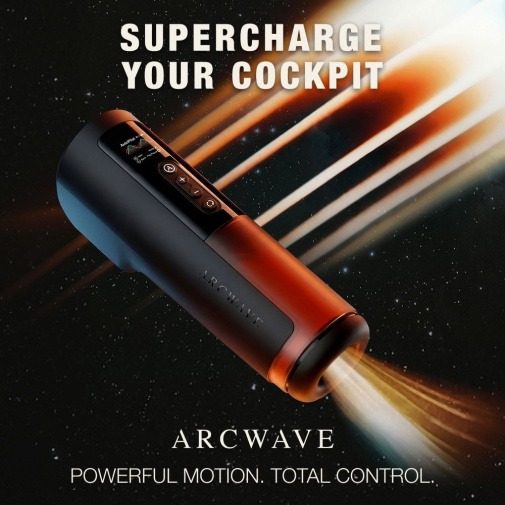
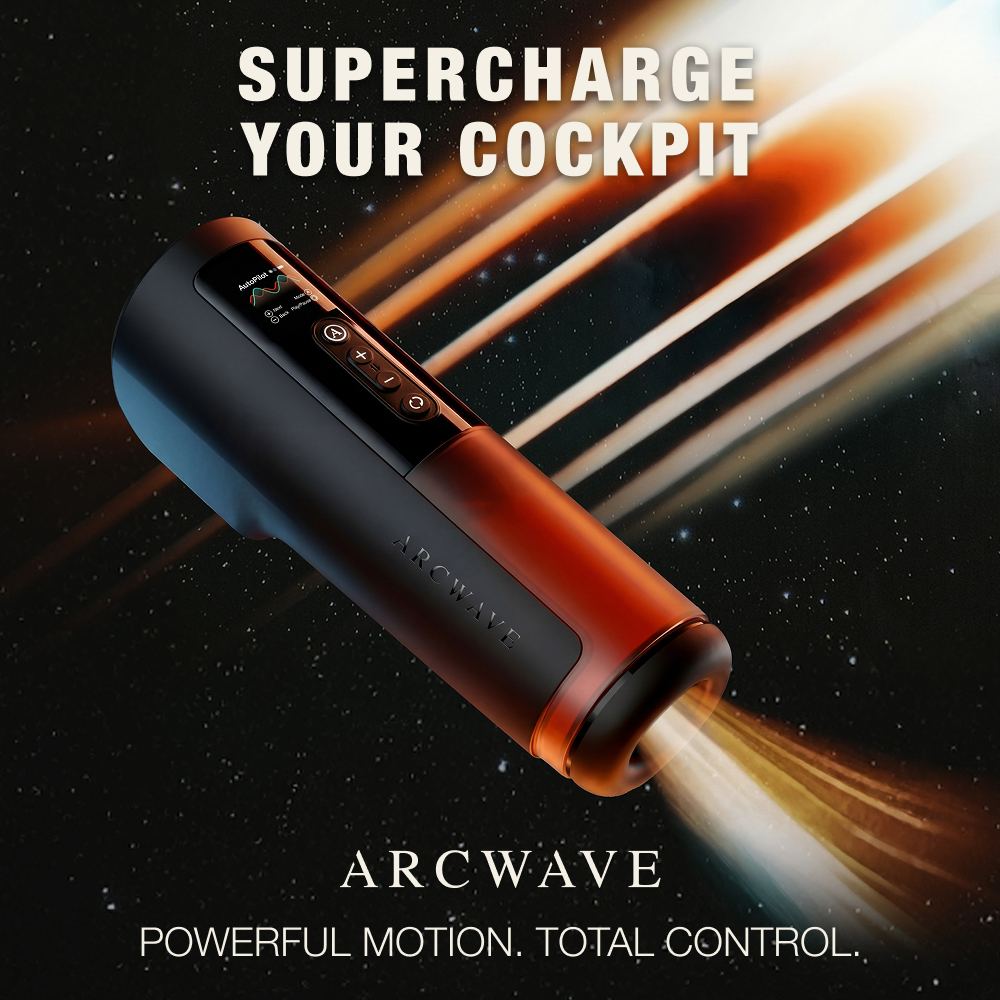
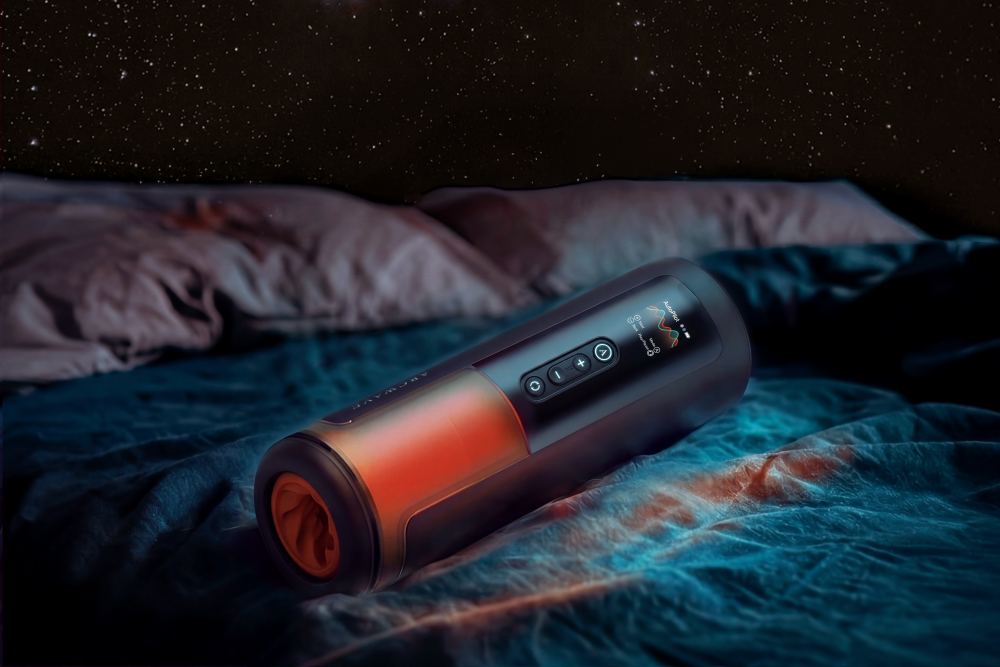
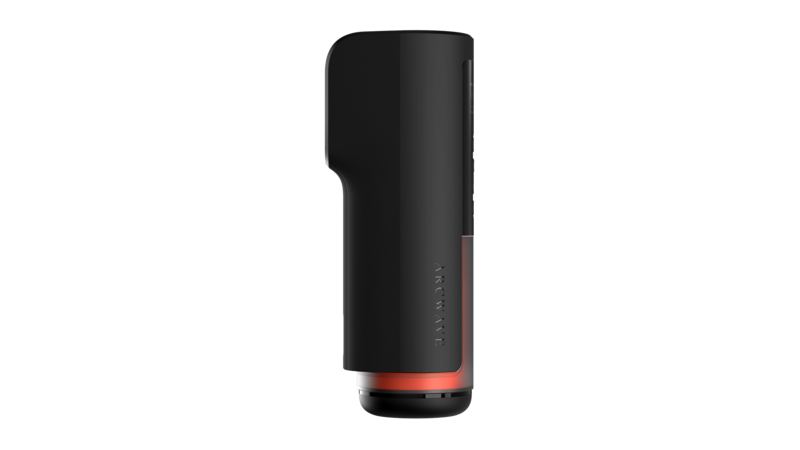
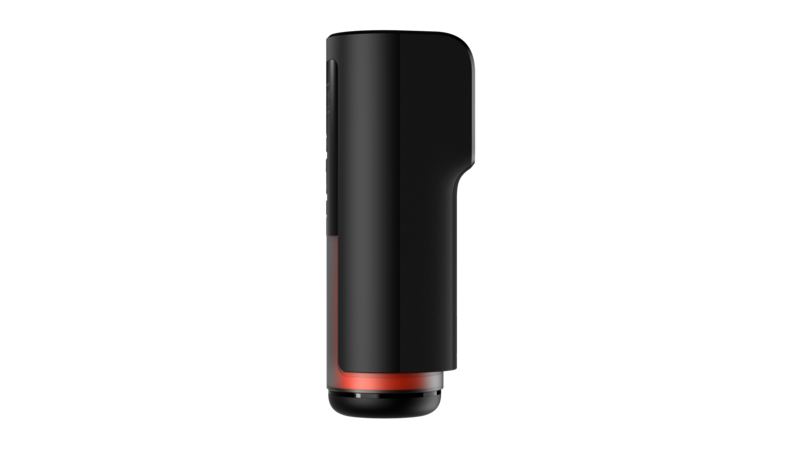
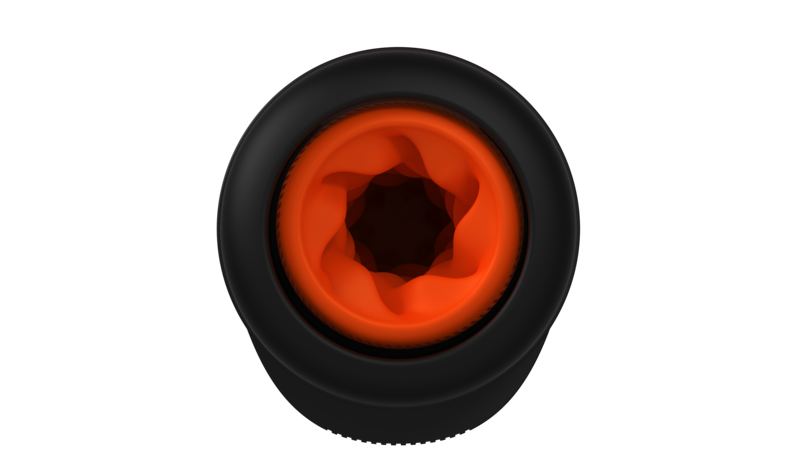
The Arcwave Thruster Rotation Stroker combines synchronized thrusting and rotating movements to deliver a truly immersive, full-body sensation. Equipped with a built-in color display, it provides instant feedback on your session details, while the innovative quick-release sleeve system ensures that maintenance and cleaning are entirely effortless. With high-performance motion, app-based video synchronization and convenient recharging, this premium device offers a modern, tech-forward way to elevate your solo experience.
Product Overview:
Why Customers Love Arcwave Thruster Rotation Stroker
- Combined thrusting and rotation for dual-action stimulation
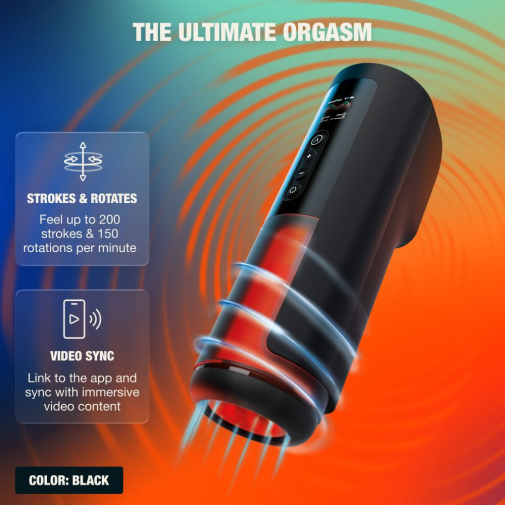
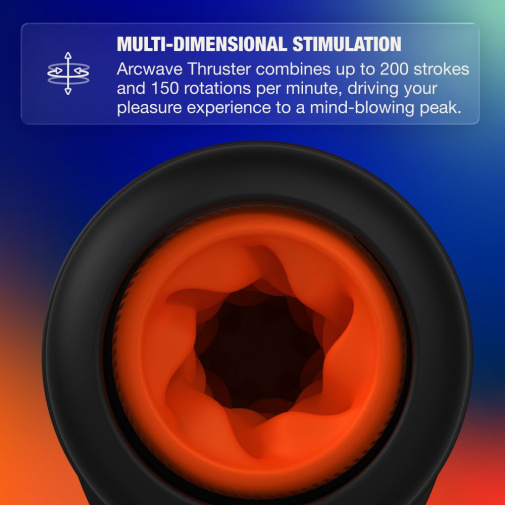
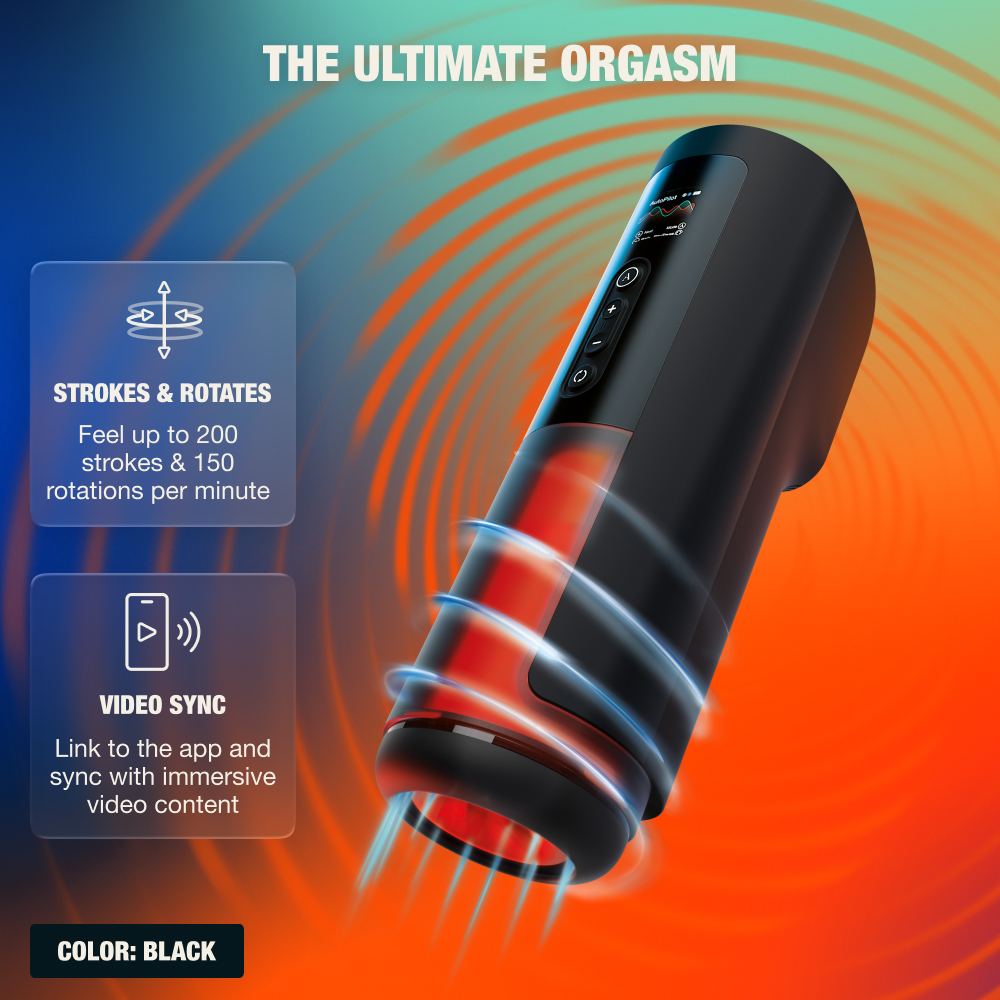
- Powerful motor delivering up to 200 strokes and 150 rotations per minute
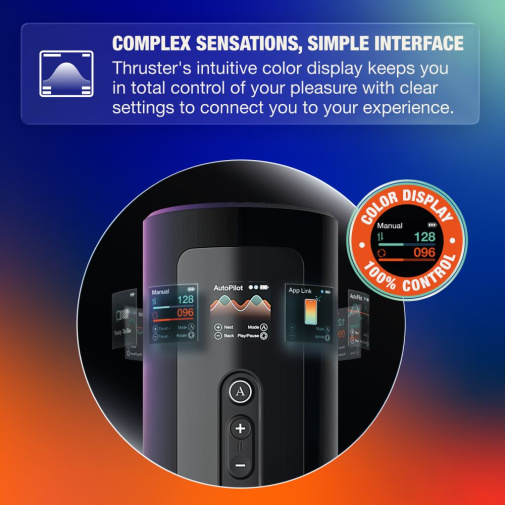
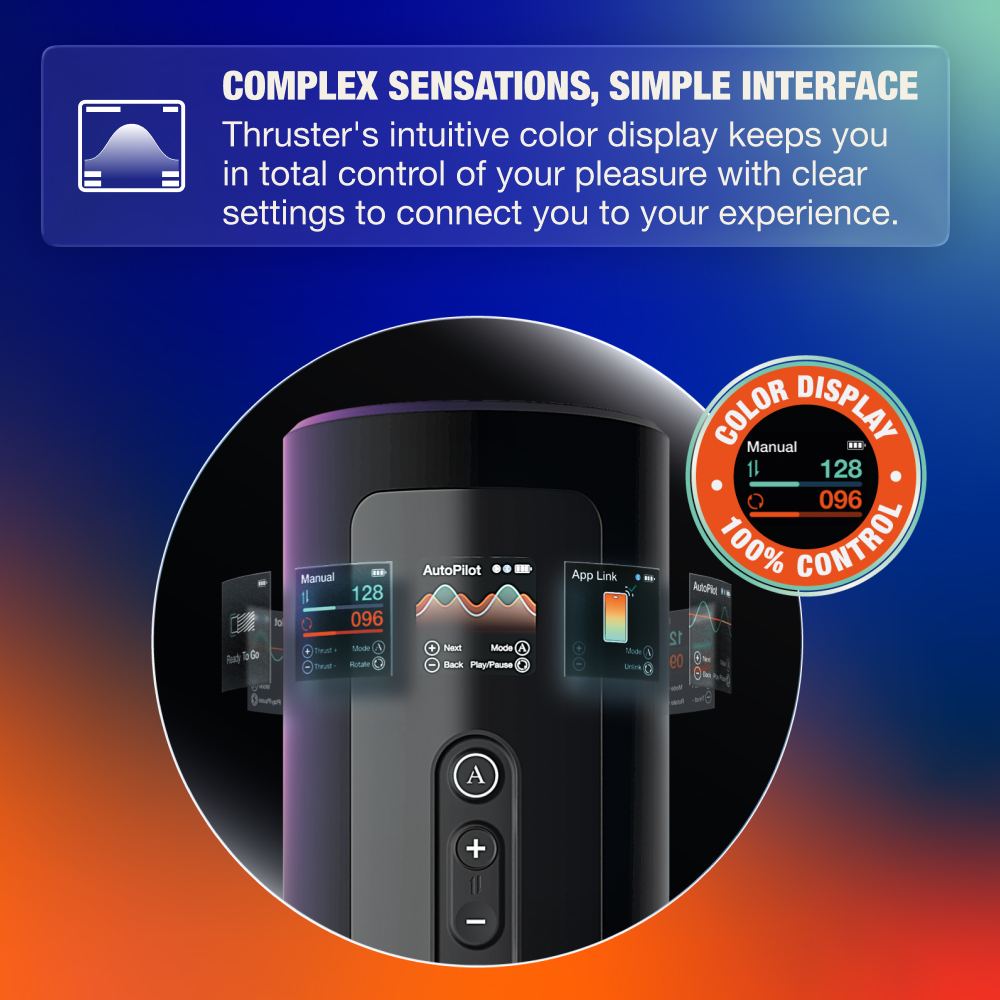
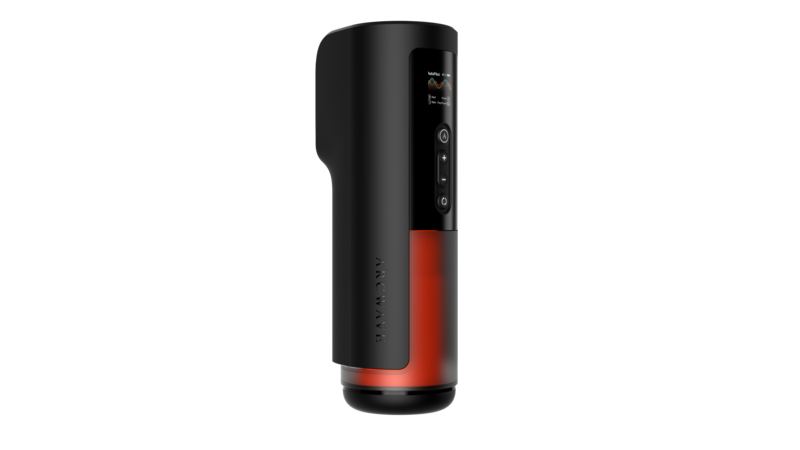
- Intuitive color display for clear session control and feedback
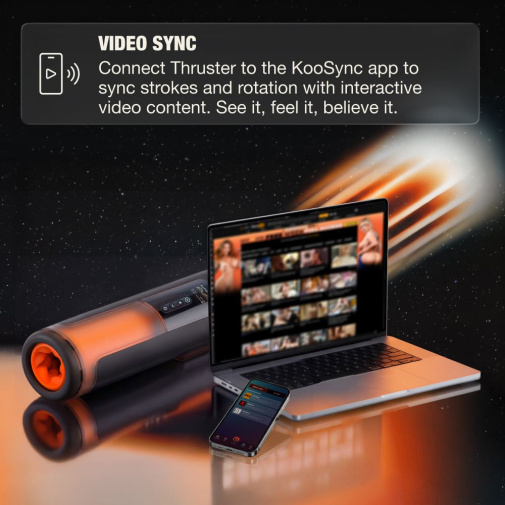
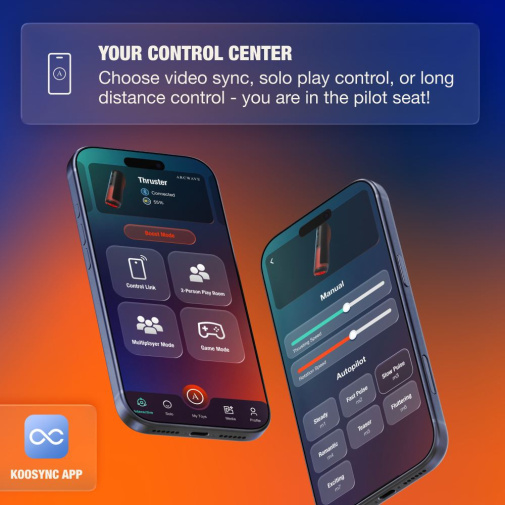
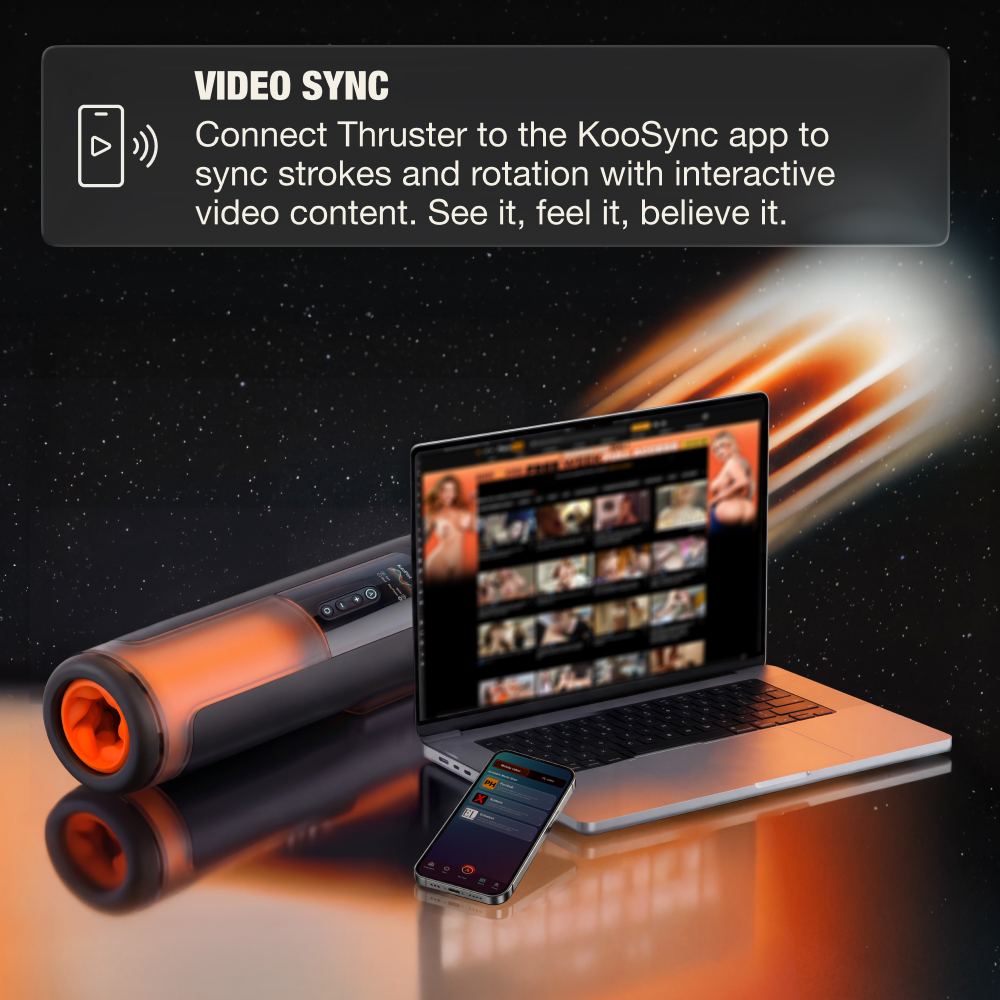
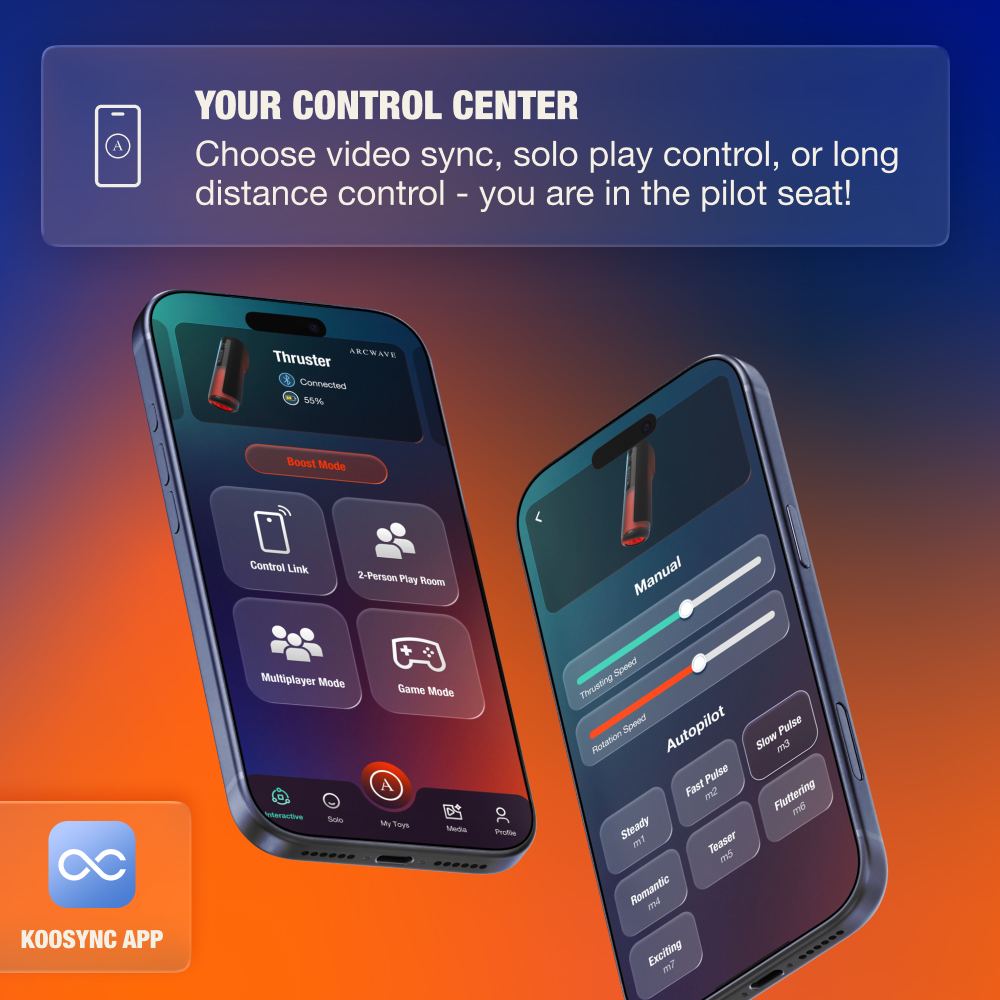
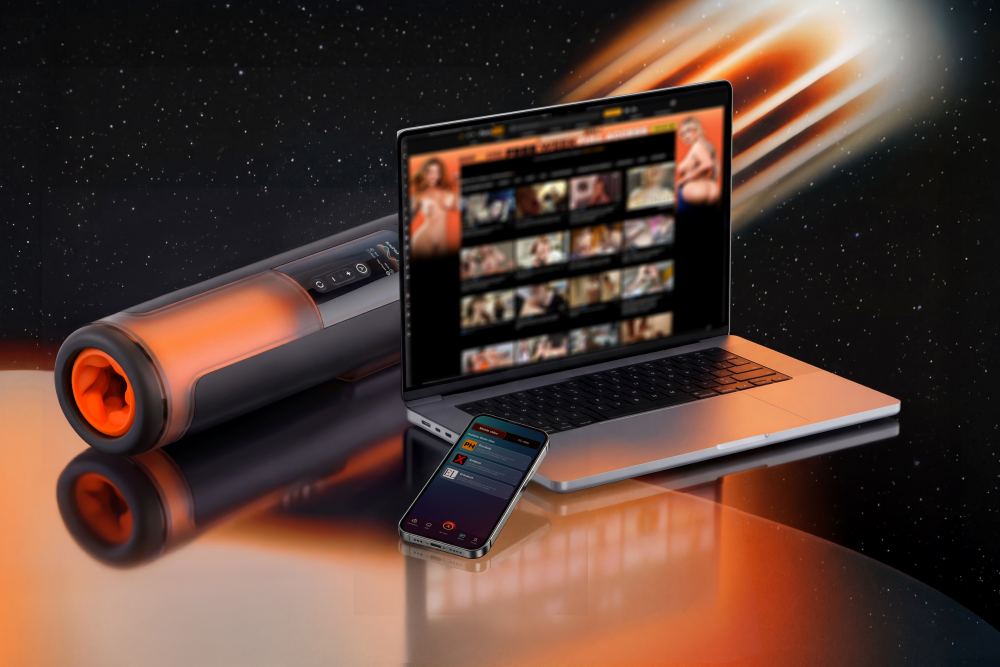
- Real-time video sync via KooSync app for immersive experiences
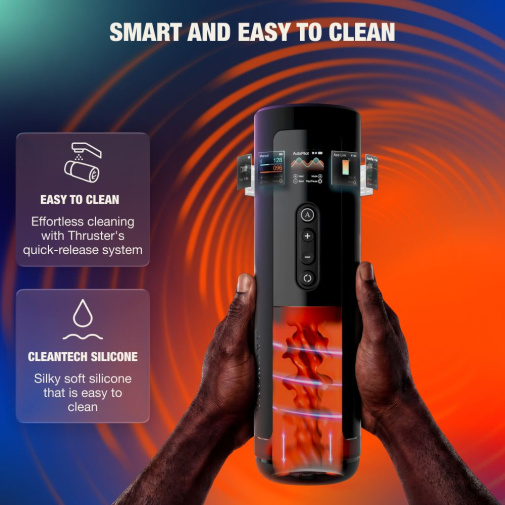
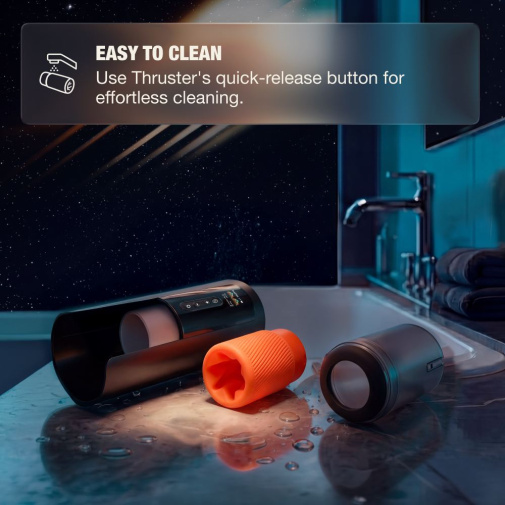
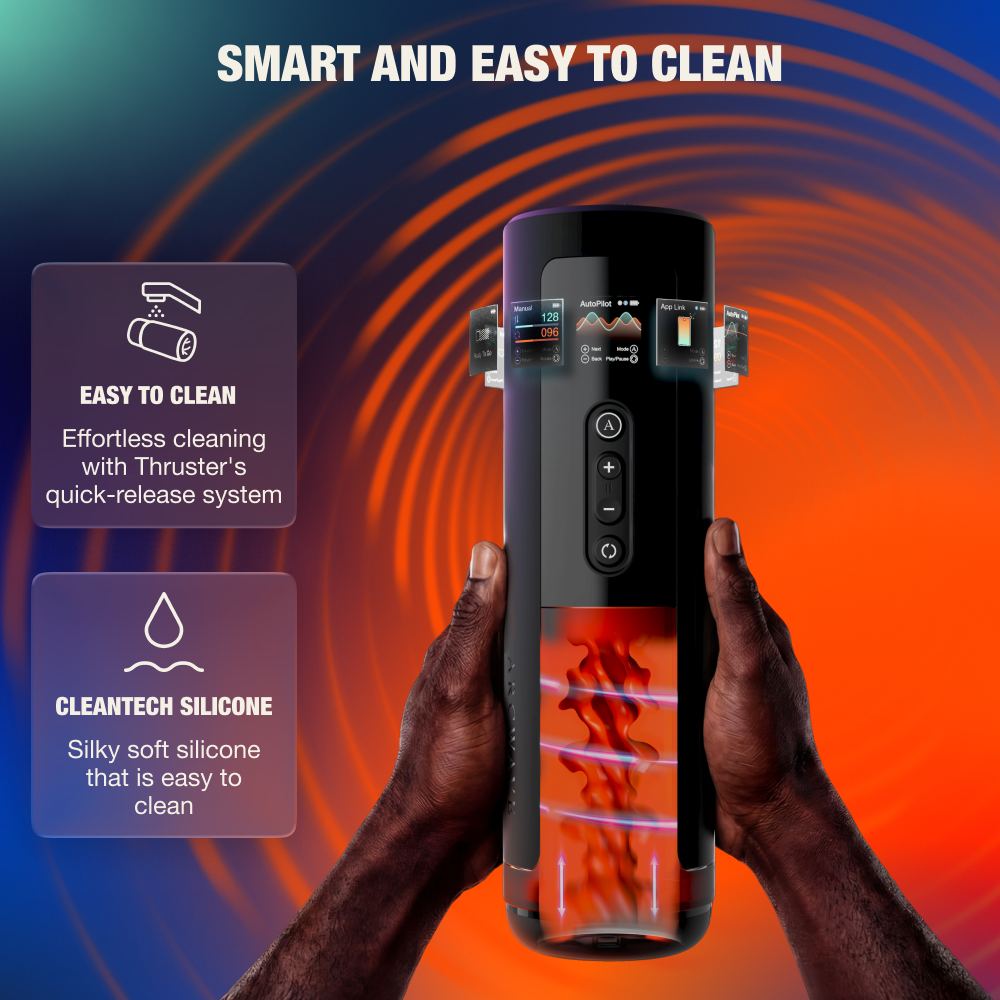
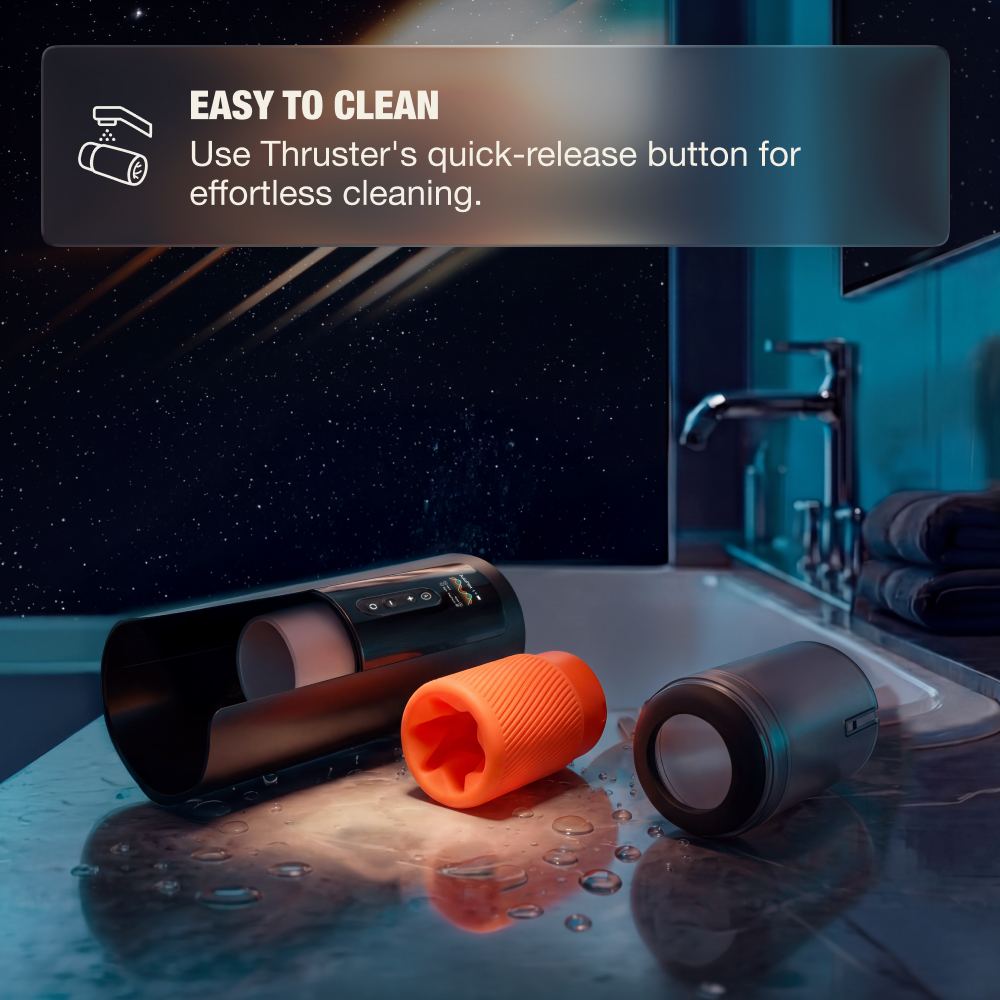
- Quick-release system for fast and effortless cleaning
- Multiple play modes for customizable intensity and rhythm
Features
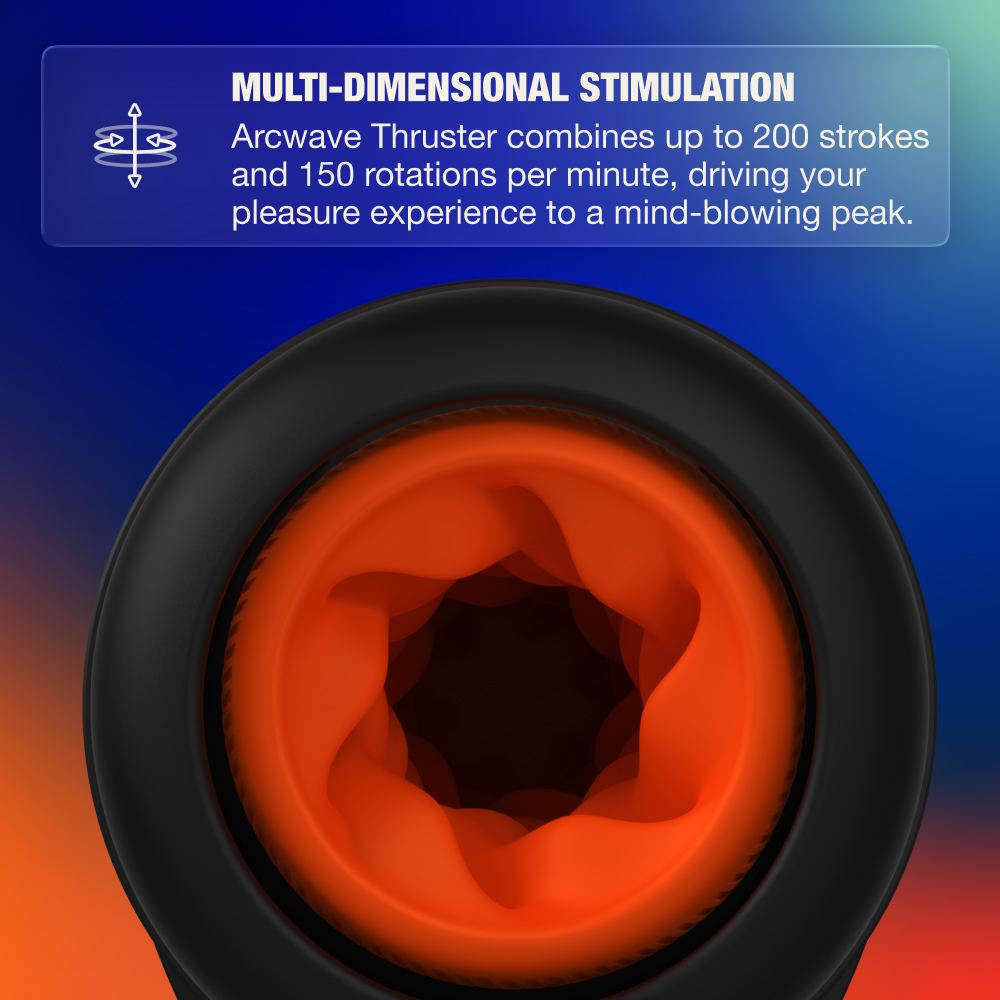
- Dual Motion Technology: Simultaneous thrusting and rotation work together to create a deeply engaging, layered stimulation experience.
- High-Speed Performance: Reaches up to 200 strokes and 150 rotations per minute for powerful, consistent motion control.
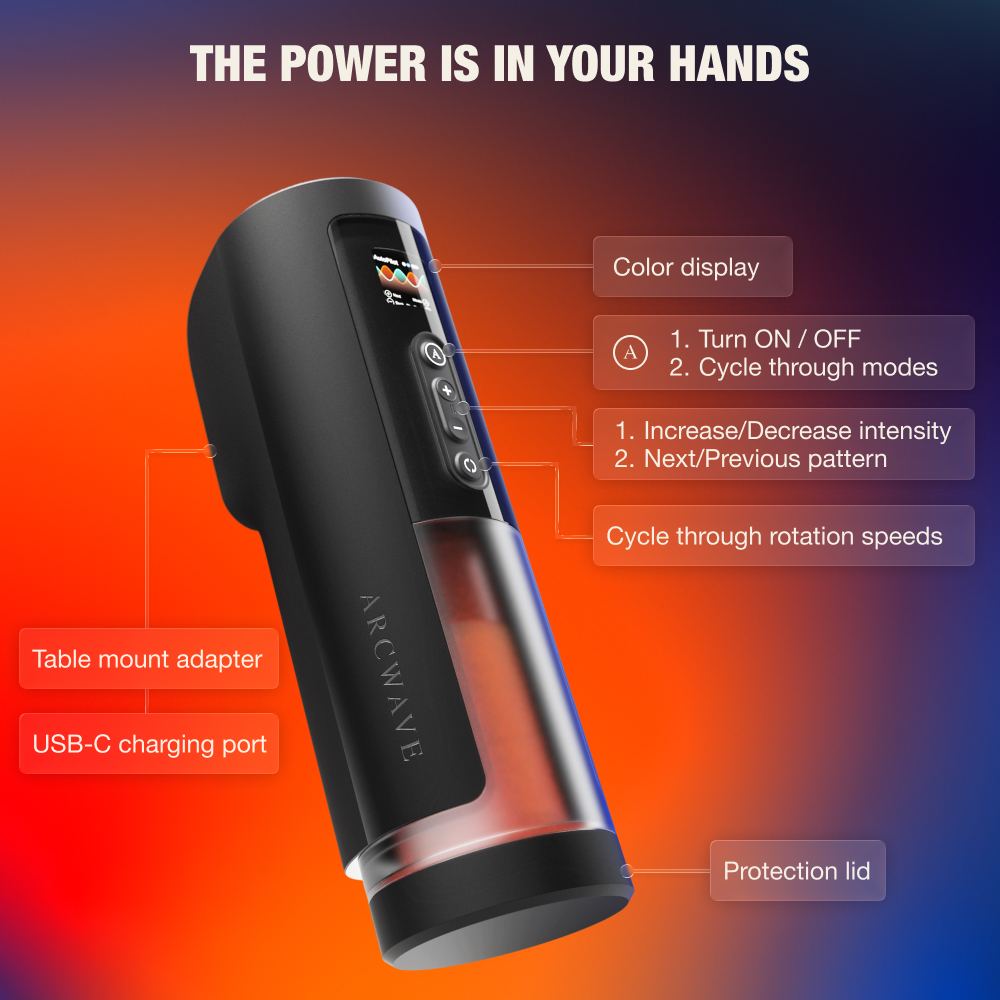
- Intuitive Color Display: Provides real-time feedback on mode selection, speed, battery status, and connectivity.
- Manual, Autopilot & App Link Modes: Switch between fully manual control, automated patterns, or app-driven interactive experiences.
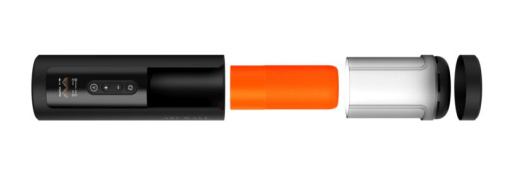
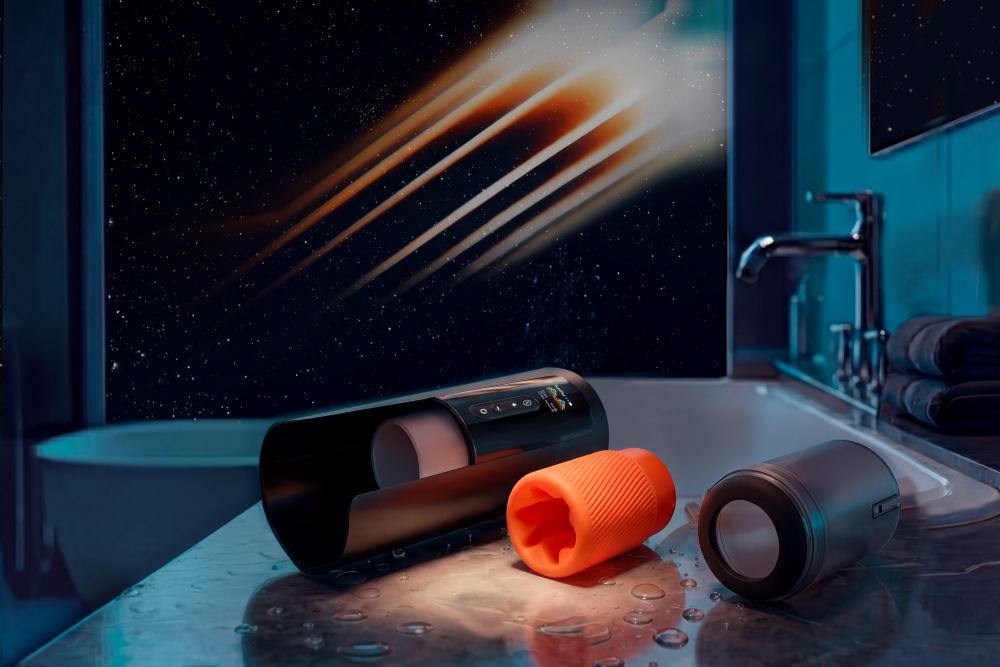
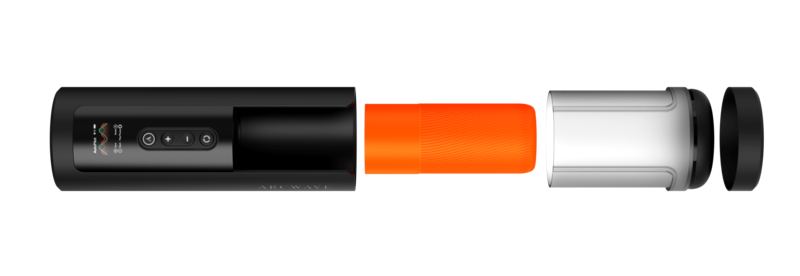
- Quick-Release Cleaning System: Allows fast removal of the sleeve cover for easy access and maintenance.
- Sleeve Detection: Ensures the device only activates when the sleeve is properly installed for safe operation.
- App Control & Video Sync: The KooSync app provides interactive Bluetooth control with customizable vibration patterns, sound-reactive functionality, long-distance connectivity, and real-time video synchronization. After pairing, the interface automatically changes to a dedicated Arcwave-branded design.
How to Use
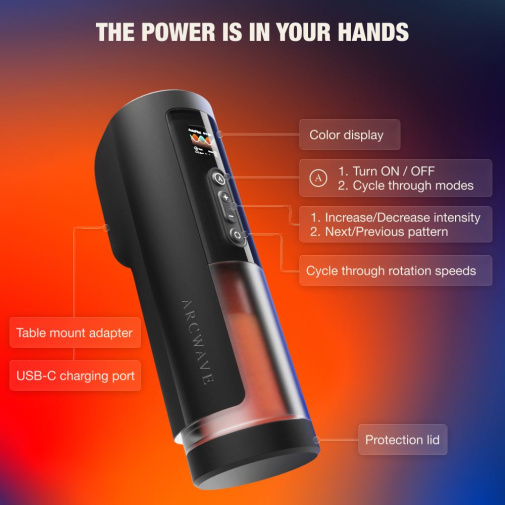
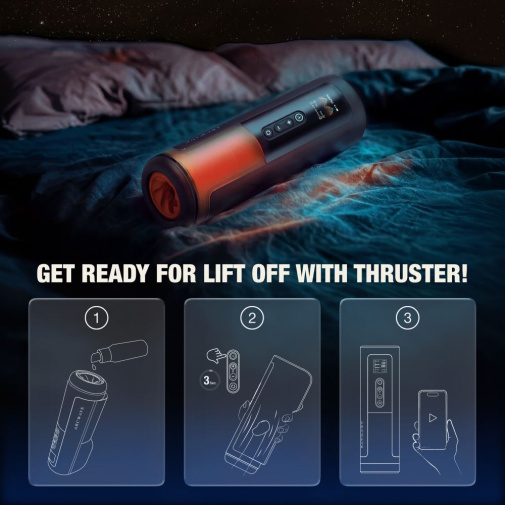
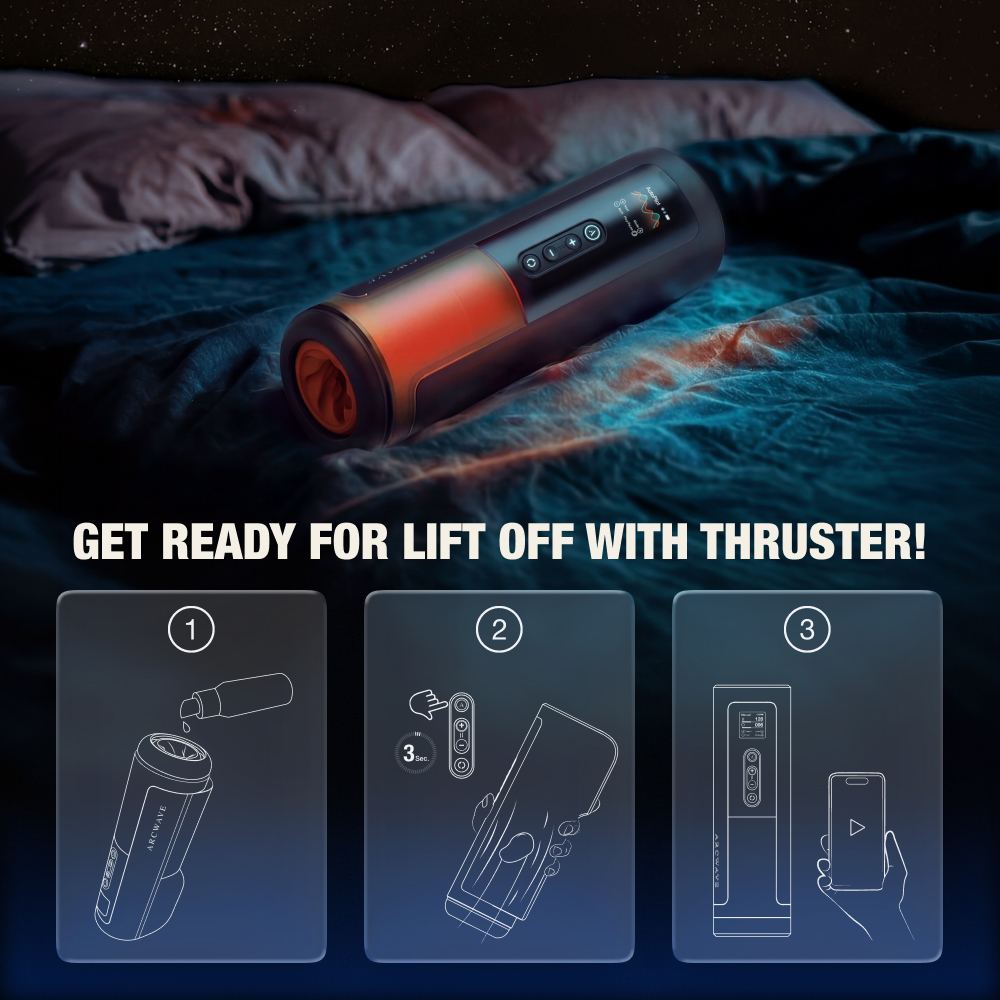
- Press and hold the A button to turn on the device. The display and LED indicators will activate.
- Use the A button to cycle through available modes.
- Manual Mode: Use the + / - buttons to control stroking speed. Use the cycle control button to adjust rotation speed.
- Autopilot Mode: Let the device run preset patterns automatically. Use + / - to switch between patterns and the cycle button to pause or resume.
- App Link Mode: Connect via KooSync app to access dynamic control, media sync, and remote or custom pattern play.
- To clean, press the quick-release button, remove the sleeve cover, and gently detach the sleeve from the drivetrain.
- After cleaning, reassemble the device by reinserting the sleeve and sleeve cover until securely locked into place.
Specifications
- Material: ABS plastic & silicone
- Product dimensions: 112 x 289 x 89 mm (4.41 x 11.38 x 3.50 in)
- Product weight: 1291 g (45.54 oz)
- Package dimensions: 130 x 335 x 150 mm (5.12 x 13.19 x 5.91 in)
- Package weight: 1882 g (66.39 oz)
- Battery: Rechargeable Li-ion battery (7.4V, 1200mAh)
- Run time: 45 min (at highest intensity)
- Charge time: 120 min
- Water resistance level: IPX7 waterproof sleeve & cover; non-waterproof base unit
What's Included
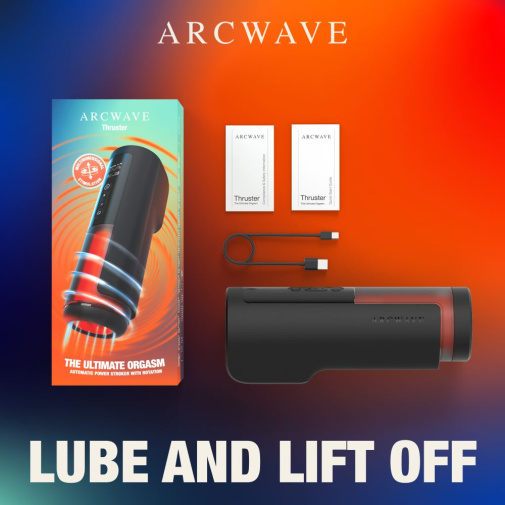
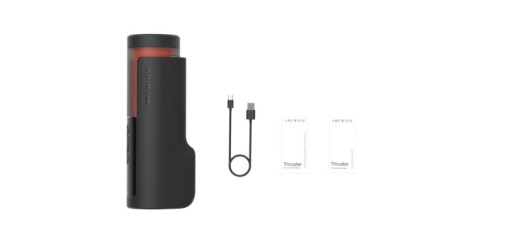
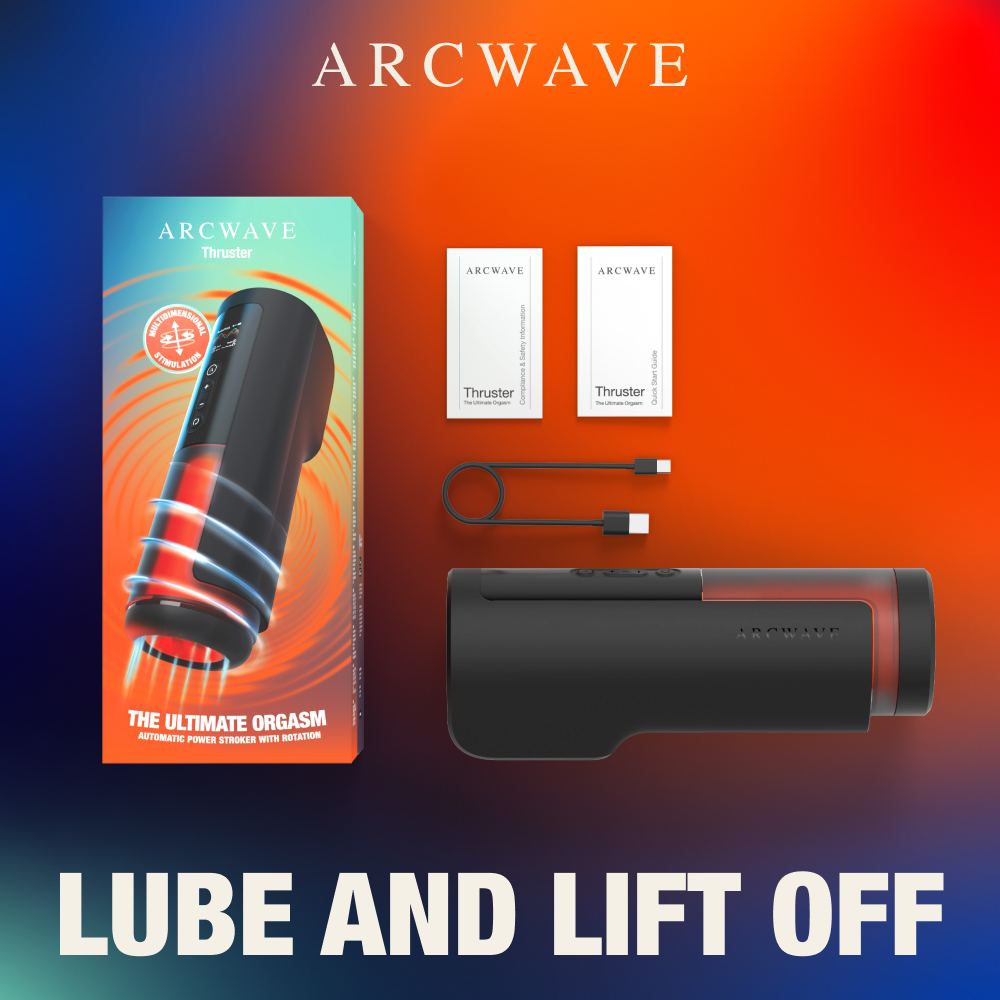
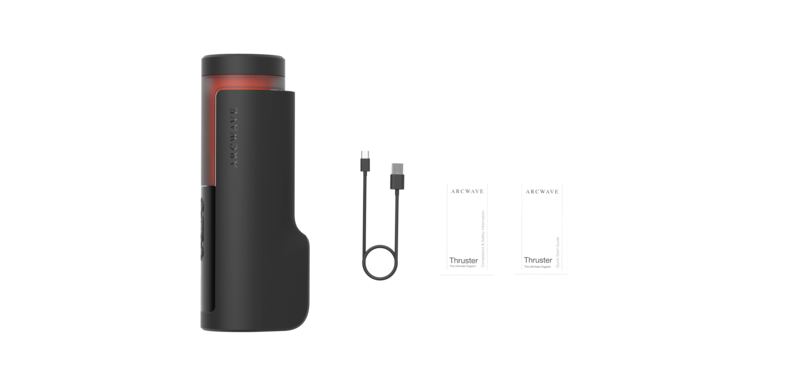
- Arcwave Thruster device
- Soft CleanTech silicone sleeve
- Protection lid
- User manual
- USB-C charging cable
Control Methods
- On-device buttons: A button for power and mode switching, + / - buttons for intensity and pattern adjustment, and cycle control button for rotation speed selection.
- App control: KooSync Bluetooth connectivity enables remote control, custom patterns, video sync, and interactive play features.
- Color display: Shows mode, speed, battery status, and system notifications in real time.
Warning & Safety Measures
IMPORTANT! The drive train is NOT waterproof and should only be cleaned with a damp cloth. The silicone sleeve and sleeve cover are IPX7 waterproof and can be washed separately. Always ensure all components are fully dry before reassembly and use.
nice design and high quality
同時旋轉同抽插嘅組合真係勁正。呢個係我用過咁多隻電動飛機杯入面配備最勁嘅摩打。佢個快速釋放鎖扣運作順暢,套筒喺乾咗之後會穩穩陣陣咁卡返入硬膠蓋。
a premium toy that isn't a total nightmare to wash. the inner silicone section detaches completely from the heavy base, which gives me peace of mind at the sink.
Product features
The Arcwave Thruster Rotation Stroker combines synchronized thrusting and rotating movements to deliver a truly immersive, full-body sensation. Equipped with a built-in color display, it provides instant feedback on your session details, while the innovative quick-release sleeve system ensures that maintenance and cleaning are entirely effortless. With high-performance motion, app-based video synchronization and convenient recharging, this premium device offers a modern, tech-forward way to elevate your solo experience.
Product Overview:
Why Customers Love Arcwave Thruster Rotation Stroker
- Combined thrusting and rotation for dual-action stimulation
- Powerful motor delivering up to 200 strokes and 150 rotations per minute
- Intuitive color display for clear session control and feedback
- Real-time video sync via KooSync app for immersive experiences
- Quick-release system for fast and effortless cleaning
- Multiple play modes for customizable intensity and rhythm
Features
- Dual Motion Technology: Simultaneous thrusting and rotation work together to create a deeply engaging, layered stimulation experience.
- High-Speed Performance: Reaches up to 200 strokes and 150 rotations per minute for powerful, consistent motion control.
- Intuitive Color Display: Provides real-time feedback on mode selection, speed, battery status, and connectivity.
- Manual, Autopilot & App Link Modes: Switch between fully manual control, automated patterns, or app-driven interactive experiences.
- Quick-Release Cleaning System: Allows fast removal of the sleeve cover for easy access and maintenance.
- Sleeve Detection: Ensures the device only activates when the sleeve is properly installed for safe operation.
- App Control & Video Sync: The KooSync app provides interactive Bluetooth control with customizable vibration patterns, sound-reactive functionality, long-distance connectivity, and real-time video synchronization. After pairing, the interface automatically changes to a dedicated Arcwave-branded design.
How to Use
- Press and hold the A button to turn on the device. The display and LED indicators will activate.
- Use the A button to cycle through available modes.
- Manual Mode: Use the + / - buttons to control stroking speed. Use the cycle control button to adjust rotation speed.
- Autopilot Mode: Let the device run preset patterns automatically. Use + / - to switch between patterns and the cycle button to pause or resume.
- App Link Mode: Connect via KooSync app to access dynamic control, media sync, and remote or custom pattern play.
- To clean, press the quick-release button, remove the sleeve cover, and gently detach the sleeve from the drivetrain.
- After cleaning, reassemble the device by reinserting the sleeve and sleeve cover until securely locked into place.
Specifications
- Material: ABS plastic & silicone
- Product dimensions: 112 x 289 x 89 mm (4.41 x 11.38 x 3.50 in)
- Product weight: 1291 g (45.54 oz)
- Package dimensions: 130 x 335 x 150 mm (5.12 x 13.19 x 5.91 in)
- Package weight: 1882 g (66.39 oz)
- Battery: Rechargeable Li-ion battery (7.4V, 1200mAh)
- Run time: 45 min (at highest intensity)
- Charge time: 120 min
- Water resistance level: IPX7 waterproof sleeve & cover; non-waterproof base unit
What's Included
- Arcwave Thruster device
- Soft CleanTech silicone sleeve
- Protection lid
- User manual
- USB-C charging cable
Control Methods
- On-device buttons: A button for power and mode switching, + / - buttons for intensity and pattern adjustment, and cycle control button for rotation speed selection.
- App control: KooSync Bluetooth connectivity enables remote control, custom patterns, video sync, and interactive play features.
- Color display: Shows mode, speed, battery status, and system notifications in real time.
Warning & Safety Measures
IMPORTANT! The drive train is NOT waterproof and should only be cleaned with a damp cloth. The silicone sleeve and sleeve cover are IPX7 waterproof and can be washed separately. Always ensure all components are fully dry before reassembly and use.
nice design and high quality
同時旋轉同抽插嘅組合真係勁正。呢個係我用過咁多隻電動飛機杯入面配備最勁嘅摩打。佢個快速釋放鎖扣運作順暢,套筒喺乾咗之後會穩穩陣陣咁卡返入硬膠蓋。
a premium toy that isn't a total nightmare to wash. the inner silicone section detaches completely from the heavy base, which gives me peace of mind at the sink.
nice design and high quality
同時旋轉同抽插嘅組合真係勁正。呢個係我用過咁多隻電動飛機杯入面配備最勁嘅摩打。佢個快速釋放鎖扣運作順暢,套筒喺乾咗之後會穩穩陣陣咁卡返入硬膠蓋。
a premium toy that isn't a total nightmare to wash. the inner silicone section detaches completely from the heavy base, which gives me peace of mind at the sink.

Nothing in invoice and packaging even vaguely associated with sex products

Look no further You can find everything you need at our online supermarket. 11,000 items

Try virtual reality, programmed, remotely controlled and many other novelties from leading brands!